

How to Register at 7Gear Casino — Five Steps
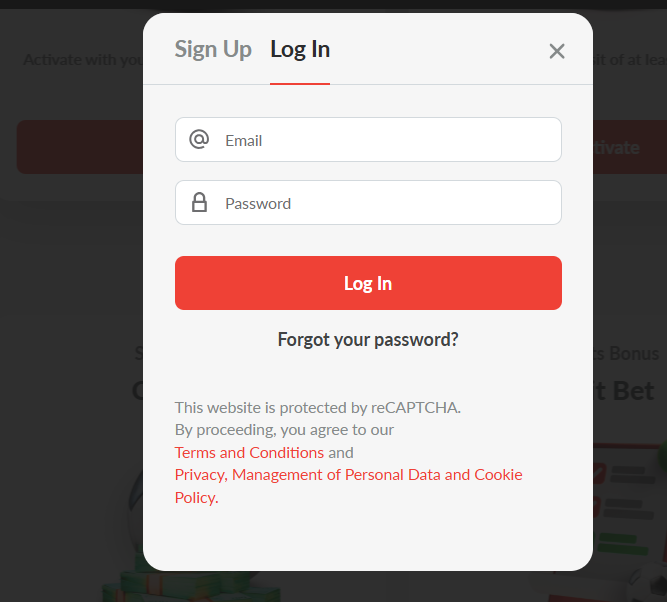
The 7Gear Casino sign-up form is standard for casino registration and consists of five short screens. The operator does not collect extensive KYC data upfront — the fuller verification step happens later, before the first withdrawal — so initial account creation is fast.
- Open the 7Gear site in a browser and click Sign Up in the top-right corner of the homepage
- Enter full legal name, date of birth (players must be 18 or over), residential address, phone number and email
- Create a strong password of at least twelve characters, and choose account currency (GBP, EUR or one of seven cryptocurrencies)
- Read and accept the terms and conditions, privacy policy and responsible-gaming statement
- Confirm the email verification link sent to the registered inbox — the account dashboard opens directly on success
Registration typically completes within three minutes; slower connections can push this to five. Players who abandon the flow can resume from the same email address, though a fresh confirmation link may be required. UK players should verify the confirmation lands from a legitimate 7Gear domain rather than a lookalike affiliate URL, and any request for banking passwords or card CVV during registration is a warning sign.
What You Need Before You Start
Casino KYC procedures are increasingly aligned across the industry, and 7Gear follows the standard offshore-operator model. Preparing documentation before the first deposit removes the most common cause of withdrawal delays.
- Photo ID — current passport, UK driving licence or national ID card, clearly visible in daylight
- Proof of address dated within the last three months (utility bill, bank statement or council tax bill)
- Payment method verification — screenshot of card front and back with card numbers partially masked, or e-wallet transaction confirmation
KYC uploads can be submitted from the account dashboard once the confirmation email is complete. The operator accepts common image formats, and grouped uploads for multiple documents are handled through the same interface.
7Gear Login and Common Access Issues
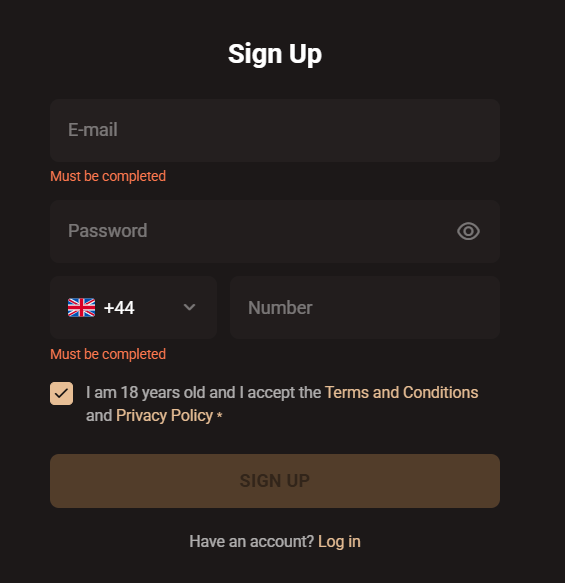
The 7Gear login link sits in the top-right corner of every page. Existing account holders enter their registered email address and password to reach the dashboard, cashier and game lobbies. The full platform overview and licensing background are covered on the main 7Gear Casino page.
Common login failures fall into three categories. Unconfirmed email accounts return an activation prompt — the fix is checking the inbox and spam folder for the original signup link. Repeated wrong-password attempts trigger a temporary lock lasting a few minutes; live chat resolves persistent lockouts. Cookie or cache issues interfere with session persistence and are resolved by clearing browser data or trying a private-browsing window. Mobile players facing repeated authentication prompts should check the dedicated mobile access page for PWA install steps.
| CRITERION | 7GEAR | CASINACHO ★ |
|---|---|---|
| Game catalogue | 20+ studios | 7,500+ titles |
| Live casino | Live dealer tables | 400+ Evolution tables |
| Welcome offer | up to £5,000 + 500 FS | £3,000 + 200 spins |
| Bonus wagering | 40x wagering | Lighter requirements |
| Crypto payouts | Cards & crypto | Fast crypto payouts |
| Sports betting | Full sportsbook | Casino-focused |
Password Recovery and Security Best Practices
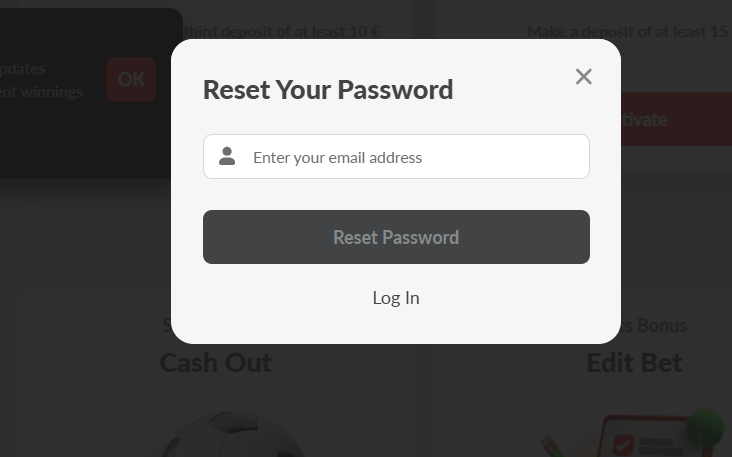
Forgotten passwords are recovered through a standard email reset link. On the login screen, players click Forgot Password, enter the registered email, and receive a time-limited reset URL — typically valid for around sixty minutes. Following the link, choosing a fresh password and logging in immediately completes the flow.
A password manager is a better safeguard than any live-chat recovery call: a twelve-character password with mixed letters, numbers and symbols materially reduces credential-stuffing risk. Two-factor authentication was not offered on the 7Gear account interface, so password strength is the primary line of defence.
Account Verification (KYC) — What to Expect
7Gear KYC is a standard requirement across regulated and offshore casinos, and the operator requires it before the first withdrawal. Completing verification right after registration — rather than when a payout is already pending — removes the most common source of payout delays.
For comparable offshore casinos, players should allow twenty-four to seventy-two hours for standard document check, and up to a week if the verification team requests supplementary evidence. Support should be contacted through live chat if verification stays open beyond five days without response.
Typical KYC failures stem from three causes: blurry document photos, expired identification, and address mismatches between account details and the utility bill or bank statement supplied. Documents should be photographed in even daylight against a plain background, with every corner visible before uploading. For larger deposits, source-of-funds documentation such as recent payslips may be requested — standard practice across UKGC-licensed and offshore casinos. Successful KYC completion also unlocks bonus withdrawals; see the 7Gear bonus page for full welcome-pack wagering terms.
Setting Deposit Limits and Self-Exclusion at Sign-Up
Before the first deposit, players should configure a deposit limit — the single most effective operator-side tool for keeping casino play controlled. 7Gear provides deposit limits at daily, weekly and monthly cadence through Account → Responsible Gaming, alongside session-time reminders, cooling-off periods and internal self-exclusion.
Cross-operator protection is not available at 7Gear — self-exclusion is not connected to the UK-wide GamStop scheme. Players requiring GamStop-level coverage across all UKGC-authorised casinos should register at a UKGC-licensed brand instead. Independent support remains available through GamCare and BeGambleAware.